Productlane
Omnichannel support
Email, live chat, and Slack in one inbox.
AI agent
Resolve tickets automatically with AI.
Self-updating Help Center
Self-serve knowledge base for customers.
Support Portal
A dedicated portal for customer support.
Feedback Portal
Collect feedback and share your roadmap.
Changelog
Auto-generate and broadcast product updates.
CustomersPricing
Changelog
See our latest changes and improvements.
Docs
Learn how to get the most out of Productlane.
API Docs
Extend your support process with our API.
Blog
Insights on support, product, and engineering.
Contact
Login
Productlane

Designed in Munich

Product

  • Pricing
  • Changelog
  • Our Roadmap
  • Your requests
  • Documentation
  • Zendesk importer

Features

  • Help Center
  • AI Agent
  • Omnichannel support
  • Feedback Portal
  • Changelog
  • Support portal

Resources

  • API
  • DPA
  • Imprint
  • Status
  • Terms
  • Privacy

Company

  • Blog
  • Contact
  • LinkedIn
  • X Twitter
  • Customers
Blog/Customer Feedback Surveys: Types, Questions, and Examples That Get Responses

Customer Feedback Surveys: Types, Questions, and Examples That Get Responses

Khadim Fall
Khadim Fall · Jun 18, 2026
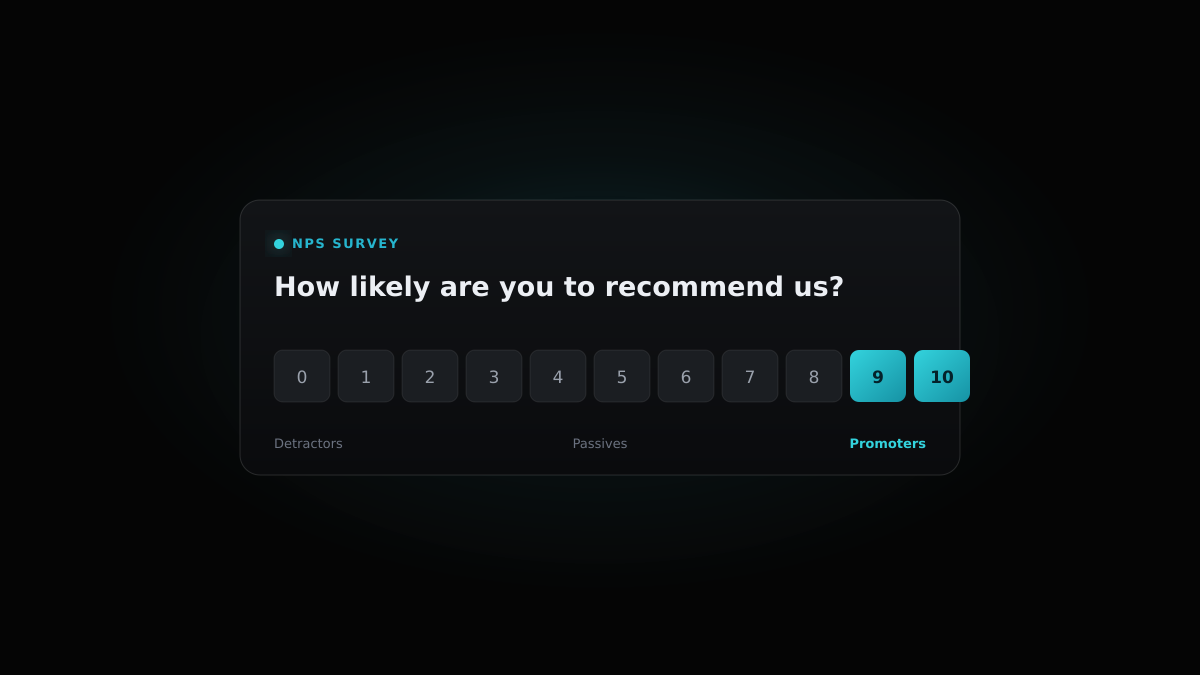
A customer feedback survey card showing an NPS rating breakdown
TL;DR

Customer feedback surveys come in a handful of distinct shapes: NPS measures loyalty, CSAT measures satisfaction with a moment, CES measures effort, the Sean Ellis PMF survey measures product-market fit, in-app microsurveys catch reactions in context, and churn surveys explain why people leave. Each one answers a different question, so the type you reach for depends on what you want to learn. Good surveys ask one specific question at the right moment, follow up with an open text box, and stay short. The hard part is what happens after: route the answers into a system where they get counted, ranked, and shipped. That is where a with upvoting and Linear sync closes the loop.

feedback portal

Customer feedback surveys are the most direct way to ask your users what they think, in their own words. A support ticket tells you something broke. A survey tells you how people feel about your product, how hard it was to get something done, and whether they would recommend you to a peer. Run them well and you get a steady signal you can prioritize against. Run them badly and you get a low response rate, a vanity score, and a spreadsheet nobody opens twice.

This guide covers what a customer feedback survey is, the main types and when to use each, the questions that earn honest answers, the timing and triggers that lift response rates, and how to turn the results into shipped product. There are three copyable templates near the end and an FAQ.

What a customer feedback survey actually is

A customer feedback survey is a structured question (or short set of questions) you send to customers to measure how they experience your product or service. The structure is what separates it from an open-ended interview: you ask the same thing, the same way, to many people, so the answers are comparable over time. A score that moves from 31 to 44 over two quarters means something. A pile of unstructured quotes does not.

Most surveys pair a quantitative question (a number, a rating, a choice) with one open text follow-up. The number gives you a trend you can track. The text tells you why the number is what it is. Skip the text box and you are left guessing at the cause of every dip.

The other thing worth saying up front: a survey is an input, not an outcome. The value lands when an answer changes what you build. Keep that in mind while picking a type, because the easiest types to send are often the hardest to act on.


The main types of customer feedback survey

There are six survey types worth knowing for B2B SaaS. Each measures a different thing, fires at a different moment, and reads against a different benchmark. Pick by the question you are trying to answer, not by which one is easiest to bolt on.

NPS (Net Promoter Score)

NPS asks one question on a 0 to 10 scale: how likely are you to recommend us to a colleague? Scores of 9 and 10 are promoters, 7 and 8 are passives, 0 through 6 are detractors. Your score is the percentage of promoters minus the percentage of detractors, so it runs from -100 to +100. NPS tracks loyalty and overall sentiment, and it is the cleanest metric to trend across quarters. It is weak at telling you what to fix, which is why the open follow-up matters so much here.

CSAT (Customer Satisfaction)

CSAT asks how satisfied you were with a specific interaction, usually on a 1 to 5 scale. It is moment-specific: send it right after a support reply, an onboarding call, or a feature launch. Because it is tied to a concrete event, CSAT is the most actionable score for support teams. A low CSAT on a resolved ticket points straight at the reply that missed.

CES (Customer Effort Score)

CES asks how easy it was to get something done, typically on a 1 to 7 agreement scale. Effort predicts churn better than satisfaction does: customers rarely leave because they loved you a little less, they leave because something was repeatedly painful. Use CES on flows where friction costs you (setup, billing changes, getting unblocked in support).

PMF survey (Sean Ellis test)

The product-market-fit survey asks how you would feel if you could no longer use the product: very disappointed, somewhat disappointed, or not disappointed. The rule of thumb is that 40% or more answering “very disappointed” signals product-market fit. It is most useful early, when you are still deciding whether the core product is pulling, and it doubles as a way to find your highest-intent segment.

In-app microsurveys

Microsurveys are one or two questions fired inside the product at a relevant moment: a thumbs up or down after using a feature, a quick rating on a new flow. They get high response rates because the context is fresh and the cost of answering is near zero. Keep them to a single tap with an optional comment, and never block the task the user came to do.

Churn and exit surveys

Churn surveys fire at cancellation or downgrade and ask why someone is leaving. The answers are some of the most honest you will ever get, because the customer has nothing left to lose by being blunt. Offer a short list of reasons (price, missing feature, switched tools, no longer needed) plus an open box, and read every comment. Patterns here are direct input to retention work.

Survey questions that earn honest answers

The fastest way to ruin a customer feedback survey is to ask two things in one question, lead the answer, or use language the customer would never use. Ask one thing, in plain words, and give people room to explain. Here are example questions per type that hold up in the field.

NPS

“How likely are you to recommend [product] to a colleague or peer?” followed by “What is the main reason for your score?” The follow-up is where the value is; without it you have a number and no cause.

CSAT

“How satisfied were you with the help you got today?” then “What would have made this a 5?” Tie it to the specific interaction so the answer is about that moment, not your product in general.

CES

“[Product] made it easy to set up my workspace” on a scale from strongly disagree to strongly agree, then “Where did you get stuck, if anywhere?” Naming the flow keeps the rating grounded.

PMF

“How would you feel if you could no longer use [product]?” with three options (very disappointed, somewhat disappointed, not disappointed), then “What type of person do you think would benefit most from [product]?” The second question maps your best-fit segment.

In-app microsurvey

“Was this view helpful?” with a thumbs up and thumbs down, and an optional “Anything we should change?” box on the negative path. One tap to answer, comment only if they want to.

Churn / exit

“What is the main reason you are canceling?” with a short pick-list and an open box: “What is the one change that would have kept you?” That last line surfaces the feature or fix worth prioritizing.

Three rules cut across all of them. Ask one question at a time. Avoid words like “easy,” “simple,” or “great” in the question itself, since they prime a positive answer. And always pair the rating with an open follow-up, because the sentence a customer writes is worth more than the number they tap.


Timing and triggers

When you ask matters as much as what you ask. Survey people at the moment the experience is fresh and the question is relevant, and the response rate and the honesty both climb.

Event-triggered beats scheduled

Fire CSAT seconds after a ticket is resolved, CES right after a setup flow completes, a microsurvey the moment someone uses a new feature. Event triggers catch the customer while the memory is sharp. Calendar-based blasts (the “it is the first of the month, send the NPS” pattern) reach people who have no recent context and drag your numbers down.

Give new users time

A relationship survey like NPS needs the customer to have used the product enough to have an opinion. Wait until they have hit the activation moment, then run NPS quarterly. Surveying on day two measures your onboarding, not your product.

Cap the frequency

Set a rule that any one customer sees at most one survey in a 30 to 90 day window. Survey fatigue is real: ask too often and your response rate falls while your sample skews toward the few people who always answer.


Tactics that lift response rates

Response rate is a design problem, not a luck problem. A few choices do most of the work.

Embed the first question

Put the rating directly in the email or in-app prompt, so a single click registers an answer and opens the follow-up. Every extra step between “I want to answer” and “I answered” loses people.

Keep it to two questions

One rating and one open box. Length is the single biggest predictor of abandonment. If you have ten things to learn, run five short surveys over a quarter, not one long form.

Survey in the customer's language

A prompt in someone's native language gets a higher response and a richer comment. Productlane's in-app feedback widget adapts to 47 languages by browser locale, so a prompt a customer in Tokyo sees reads as naturally as the one a customer in Berlin sees.

Show that you act

The strongest long-term lever is proof that answers lead somewhere. When a customer sees a feature they requested appear in your changelog, the next survey gets a better response. People answer when answering works.


Turning survey results into shipped product

A survey result is raw material. The work that matters is the path from a comment to a shipped change, and most teams lose the signal somewhere on that path. The fix is to route survey answers into the same place your product decisions get made.

Productlane is not a survey builder, so it will not send your NPS or CSAT blasts for you. What it does own is the step after the answers arrive. Paste the open-text comments and feature asks from any survey tool into a feedback portal where customers and your team can upvote them. Upvotes turn a scatter of individual comments into a ranked list, so the request that thirty accounts asked for sits above the one a single user mentioned once. That ranking is what you prioritize against, instead of arguing from anecdote.

Productlane is built on Linear, so a prioritized request links straight to a Linear issue, bidirectionally. Engineering works in Linear, the feedback stays attached, and once a request gathers enough demand you can survey everyone who asked for it: invite them to early access, collect their reactions, and run a beta test to polish the feature before it ships. When the linked issue closes, the closing reply goes to the same group of requesters, so the loop from “you said this in a survey” to “we shipped it, here is the note” runs without anyone copy-pasting between tools. The public portal and changelog make the result visible, which (as above) is what keeps response rates high on the next survey.

If you want the wider view on routing requests from every channel and tying them to revenue, see our guide to feature request tracking and how to build a public product roadmap. For the tooling landscape, the rundown of customer feedback tools covers what to shortlist.


Three copyable survey templates

Steal these as starting points. Each is two questions, fires on a trigger, and reads in the customer's language.

Quarterly NPS

Trigger: 90 days after activation, then every quarter. Q1: “How likely are you to recommend [product] to a colleague?” (0 to 10). Q2: “What is the main reason for your score?” (open text). Route every comment to the feedback portal and tag the detractors for a follow-up.

Post-resolution CSAT

Trigger: immediately after a support ticket is marked resolved. Q1: “How satisfied were you with the help you got?” (1 to 5). Q2 (on a 1 to 3): “What would have made this a 5?” (open text). A low score reopens the conversation so nothing slips.

Cancellation exit survey

Trigger: on the cancel or downgrade action. Q1: “What is the main reason you are leaving?” (price, missing feature, switched tools, no longer needed, other). Q2: “What one change would have kept you?” (open text). Feed the answers into the same portal so the requested fix gets counted and ranked.


Frequently asked questions about customer feedback surveys

The six common types are NPS (loyalty, 0 to 10), CSAT (satisfaction with a specific moment, 1 to 5), CES (effort to complete a task, 1 to 7), the Sean Ellis PMF survey (product-market fit, three choices), in-app microsurveys (a one-tap reaction in context), and churn or exit surveys (the reason a customer leaves). Each measures a different thing and fires at a different moment.

Two questions is the target: one rating and one open follow-up. Length is the biggest predictor of abandonment, so if you have many things to learn, run several short surveys across a quarter rather than one long form.

Trigger surveys on events, not the calendar. Send CSAT right after a ticket resolves, CES after a setup flow completes, and a microsurvey while someone is using a feature. Run relationship surveys like NPS quarterly, and only after a customer has used the product enough to have an opinion.

Embed the first question so one click registers an answer, keep the survey to two questions, ask in the customer's own language, and show that you act on answers. When customers see their requests reach your changelog, the next survey gets a better response.

NPS runs from -100 to +100. For B2B SaaS, a score in the +30 to +50 range is generally considered strong, though the trend over time matters more than any single number. Always read the open-text follow-up to understand what is driving the score.

Route open-text answers and feature asks into a feedback portal where they can be upvoted, so a scatter of comments becomes a ranked list. Productlane is not a survey builder, so you still send NPS or CSAT from your survey tool, but it is built on Linear: a prioritized request links to a Linear issue, you can survey everyone who asked for that feature to offer them early access and a beta test, and the closing note reaches the same requesters when the issue ships.

NPS measures overall loyalty and how likely someone is to recommend you. CSAT measures satisfaction with one specific interaction. CES measures how much effort it took to complete a task. NPS tracks the relationship, CSAT and CES track moments, and CES tends to predict churn better than satisfaction does.

Run surveys that ship product

Customer feedback surveys earn their keep when answers turn into changes your customers can see. Pick the type that fits the question, ask one thing at the right moment, keep it to two questions, and route every answer into a place where it gets counted, ranked, and built.

Productlane gives you that place: a feedback portal with upvoting, a path from request to shipped Linear issue, and the option to survey the exact people who asked for a feature with early access and a beta before it goes live. The in-app widget speaks 47 languages, so you gather the signal wherever your customers are. See how it fits together on the homepage, and check pricing, which starts at 29 dollars per seat each month on the yearly plan, when you are ready to start.

Customer support for modern companies

Omnichannel support engineered for AI. Built around Linear to turn customer messages into code instantly.

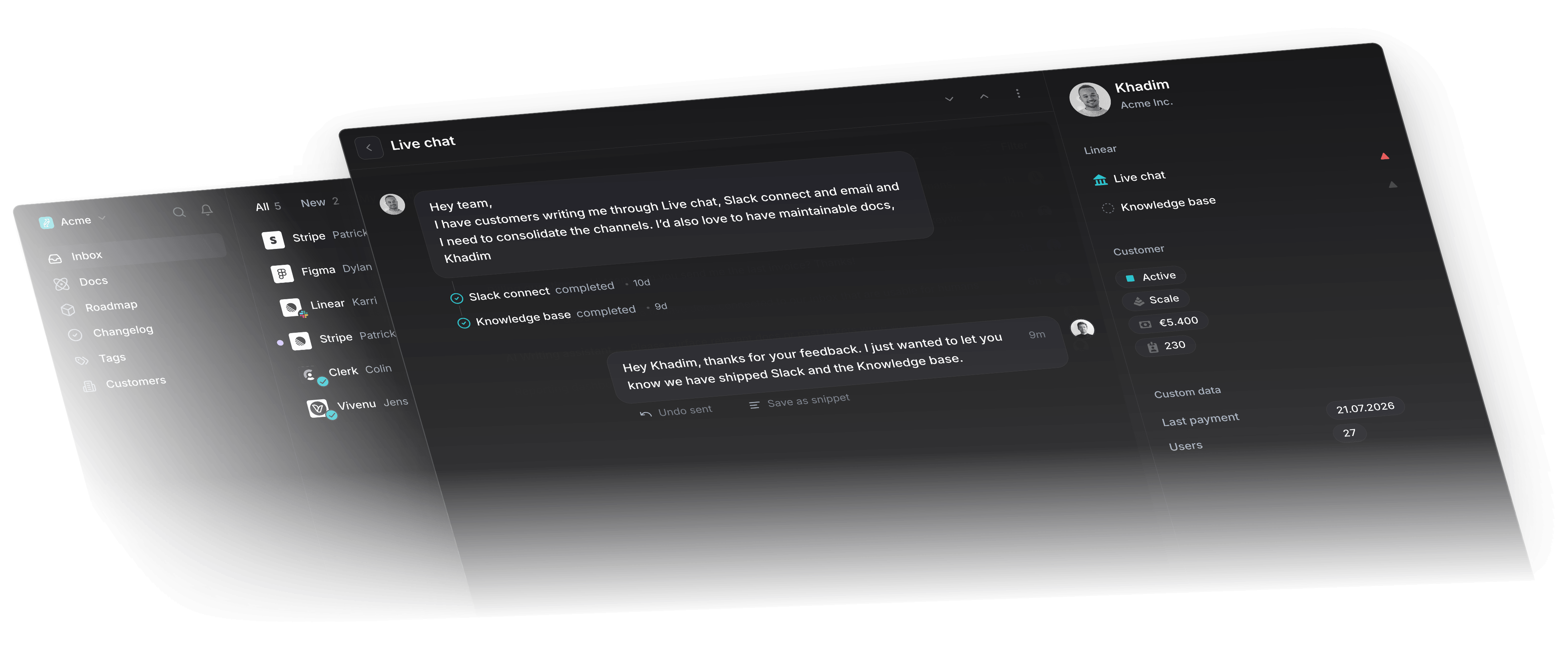
Productlane inbox with live chat conversation, thread list, and customer sidebar
Survey typeWhat it measuresScaleWhen to sendBenchmark
NPSLoyalty, overall sentiment0 to 10Quarterly, post-onboarding+30 to +50 is strong B2B SaaS
CSATSatisfaction with a moment1 to 5Right after an interaction80% positive and up
CESEffort to complete a task1 to 7After a key flowLower effort, lower churn
PMF (Sean Ellis)Product-market fit3 choicesAfter meaningful usage40%+ “very disappointed”
In-app microsurveyReaction in context1 tapDuring feature useHighest response rate
Churn / exitReason for leavingChoice + textAt cancellationRead every comment